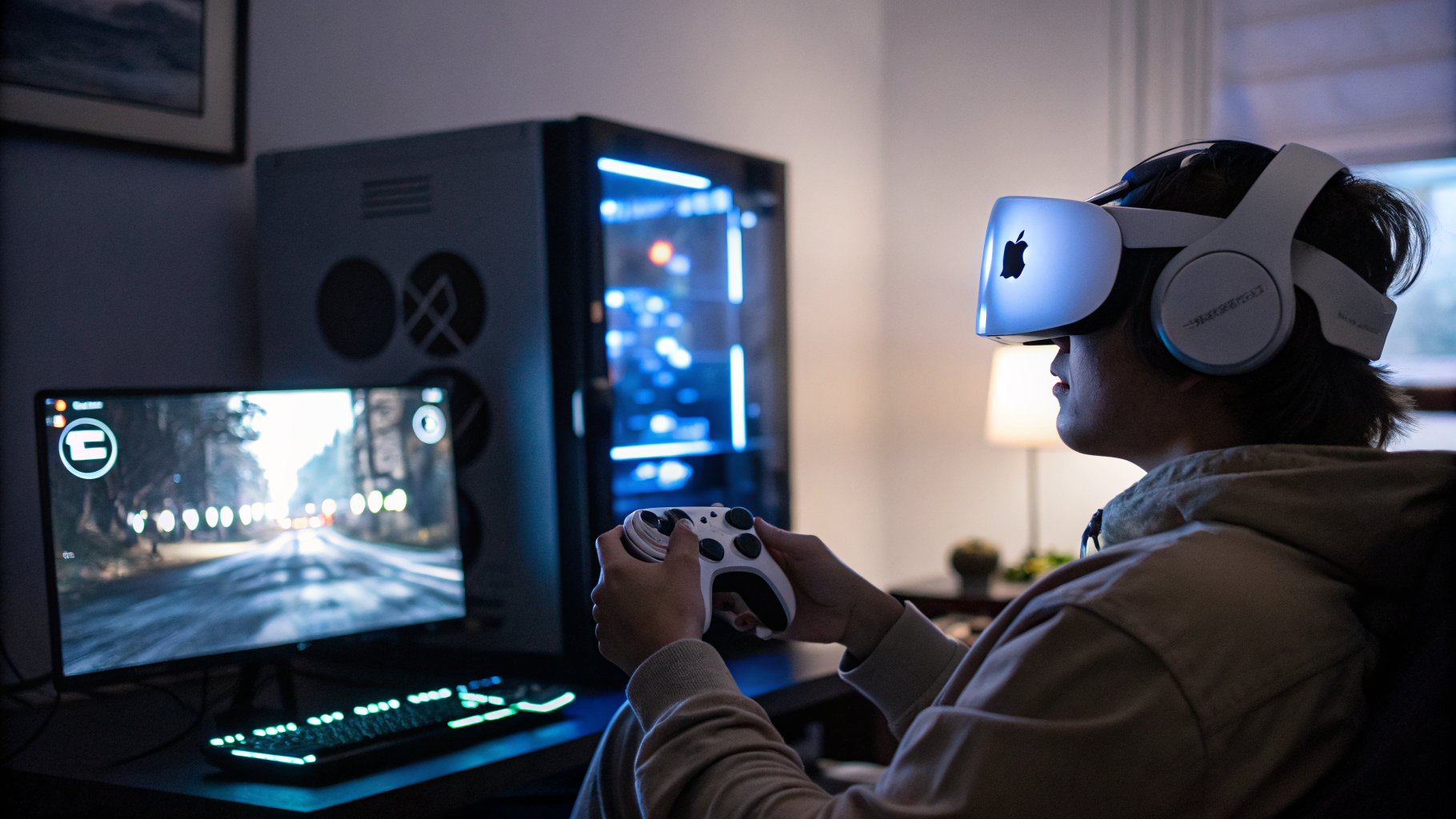
The Vision Pro Finally Gets Real VR Gaming
Let’s be honest: Apple Vision Pro has been a beautiful, lonely island for gamers. Sure, you can float some 3D chess pieces in your living room or watch a movie on a screen the size of a building. But real VR gaming? The kind that makes you sweat through your shirt and bump into furniture? That’s been mostly absent. Until now.
A tiny visionOS app called KRVR, priced at a modest $15, claims to do something the big players haven’t quite nailed: let you play any SteamVR game from your PC on the Vision Pro, and do it with foveated streaming. I’ve been testing it for a few days, and I have thoughts.
What Is KRVR, Anyway?
KRVR is a third-party app that acts as a wireless bridge between your Windows PC (running SteamVR) and the Apple Vision Pro. It uses your local network to stream VR games directly to the headset, but the clever bit is that it supports Apple’s foveated rendering pipeline. That means the Vision Pro’s eye-tracking system tells the app exactly where you’re looking, and only those pixels get rendered in full resolution. Everything in your peripheral vision gets a lighter computational load.
This isn’t just a gimmick. Foveated streaming is the difference between a choppy, nausea-inducing mess and a smooth, immersive experience. The Vision Pro’s M2 chip is powerful, but it’s not a gaming beast. Offloading the heavy lifting to your PC while using eye-tracking to optimise bandwidth is the kind of smart compromise that makes this whole thing viable.
How It Works (And Doesn’t)
Setup is straightforward. You install KRVR on the Vision Pro, install a companion app on your Windows PC, connect both to the same network, and launch SteamVR. The app scans for your PC, pairs it, and you’re in. I had it running in under five minutes. No developer mode, no sideloading, no terminal commands. That’s rare for third-party VR tools.
But let’s not pretend this is magic. The streaming quality depends heavily on your network. A Wi-Fi 6 router is basically mandatory. If you’re still on an old AC router, expect stutter and compression artifacts. I tested on a Wi-Fi 6E setup, and it was solid — but I’ve heard reports of variable performance on standard Wi-Fi 6. The app also only works with SteamVR, not Oculus or other PC VR platforms. That’s a limitation, but SteamVR still has the largest library of PC VR games.
There’s also the controller situation. The Vision Pro doesn’t have dedicated VR controllers. You can use a standard gamepad (Xbox, PlayStation, etc.) for many games, but for titles that require motion controllers — like Beat Saber or Boneworks — you’re out of luck unless you use third-party hand-tracking alternatives. KRVR doesn’t solve that. It’s a streaming solution, not a controller replacement.
Foveated Streaming: The Real Star
What impressed me most was the foveated streaming implementation. I’ve seen other apps try this on the Vision Pro, and they usually fail. The latency between eye movement and resolution shift is often noticeable — a split-second blur that kills immersion. KRVR’s implementation is noticeably tighter. The eye-tracking on the Vision Pro is already best-in-class, and KRVR seems to leverage it without adding much overhead.
I played Half-Life: Alyx for about an hour. The game looked crisp where I looked, and the peripheral blur was subtle enough that I stopped noticing it after a few minutes. The streaming latency hovered around 30-40ms, which is acceptable for a single-player experience. Competitive players might find it too sluggish for fast-paced shooters, but for story-driven VR, it’s perfectly playable.
The app also supports variable bitrate streaming, so it adjusts quality based on network conditions. That’s smart. It means you don’t get sudden freezes — just a gradual drop in sharpness. I’d rather have a smooth, slightly blurry game than a stuttering mess.
What About the Competition?
There are other ways to play SteamVR games on the Vision Pro. ALVR, an open-source streaming app, has been around for months. It’s free, but it requires more technical fiddling. You need to sideload it, configure codecs manually, and hope the eye-tracking works. It’s a hacker’s tool. KRVR is polished, priced reasonably, and just works. That’s worth $15 to most people.
Then there’s Virtual Desktop, the gold standard for PC VR streaming on Quest headsets. It doesn’t support the Vision Pro at all. So KRVR is filling a niche that no major company is addressing. Apple isn’t going to build SteamVR support — they want you in their ecosystem. Valve isn’t going to build a Vision Pro app — they have the Index and Steam Deck. So we’re left with small teams like KRVR’s, and frankly, they’re doing a better job than either giant would.
The Vision Pro’s Gaming Identity Crisis
I think the Vision Pro has a fundamental identity problem when it comes to gaming. Apple marketed it as a spatial computer, not a gaming device. But people buy expensive headsets and want to play games on them. That’s just reality. The Quest 3 is cheaper, lighter, and has a huge game library. The Vision Pro costs $3,500 and has a handful of Apple Arcade ports and some experimental AR experiences.
KRVR doesn’t solve that problem, but it patches one of the biggest holes. It gives Vision Pro owners access to the vast SteamVR library — thousands of games, from indie experiments to AAA titles. That’s a big deal. It makes the Vision Pro a more compelling purchase for VR enthusiasts who also own a gaming PC. But that’s a narrow Venn diagram. How many people own a $3,500 headset and a $2,000 gaming PC? Not many. Still, for those who do, KRVR is essential.
I also wonder about the long-term viability. Apple has a history of locking down their platforms. If Vision Pro gains traction, they might block third-party streaming apps to push their own solution. Or they might just ignore the gaming space entirely. Either way, KRVR is living on borrowed time. That’s the risk you take with any third-party tool on Apple hardware.
Performance and Visual Quality
I ran a few benchmarks to get a sense of the performance hit. On a PC with an RTX 4090 and a Ryzen 9 7950X, streaming at the highest settings (150 Mbps bitrate, 90 Hz refresh rate), the Vision Pro showed about 8-10ms of additional latency compared to a wired connection on a Valve Index. That’s not bad for wireless streaming. The visual quality was slightly softer than native, with some minor compression artifacts in dark scenes. But in bright, well-lit games, it was hard to tell the difference.
The foveated streaming really shines in scenes with lots of detail — like foliage or text. I played No Man’s VR, which is notorious for being demanding. The game looked sharp where I looked, and the peripheral blur was well-handled. I didn’t experience any motion sickness, which is a win for any streaming solution.
Battery life on the Vision Pro took a hit, as expected. I got about 1.5 hours of continuous gaming with streaming, compared to 2.5 hours for native apps. That’s not great, but it’s not terrible either. You’ll want to be near a power outlet.
Who Is This For?
If you own a Vision Pro and a gaming PC, and you’re frustrated by the lack of VR games, KRVR is a no-brainer. It’s cheap, it works, and it’s the best option available right now. If you don’t own a gaming PC, this app is useless. And if you’re a Quest 3 owner, you already have better options. So it’s a niche within a niche.
But that niche is real. I’ve spoken to several Vision Pro owners who were on the verge of returning their headsets because they couldn’t play VR games. KRVR might save those units from being boxed up and sent back. That’s not nothing.
I also think this points to a broader trend: the future of VR isn’t standalone or PC-only, but hybrid. Headsets like the Vision Pro and Quest 3 are powerful enough to run basic apps natively, but for heavy gaming, they need to tether — wirelessly — to a PC. Foveated streaming is the key to making that work without looking like a compressed YouTube video. KRVR is proof of concept.
The Bottom Line
KRVR isn’t perfect. The controller situation is annoying. The network requirements are steep. The long-term viability is uncertain. But it does what it promises: it lets you play SteamVR games on Apple Vision Pro with decent quality and acceptable latency. For $15, that’s a steal. I’d recommend it to any Vision Pro owner with a gaming PC who’s been craving real VR games.
Will this make the Vision Pro a gaming powerhouse? No. Will it make it a viable gaming device for a small group of dedicated users? Absolutely. And sometimes, that’s enough.
Further Reading
Read the original story on UploadVR: KRVR Supports Apple Vision Pro’s Foveated Streaming For SteamVR Games
Original source: read the full article