The Arrival We’ve Been Waiting For
Discord is now on Meta Quest. For real this time. Not a sideloaded APK, not a Chromium workaround, not a web wrapper you access through the browser while holding your breath. A proper 2D app, listed in the Quest Store, ready to download. And it even comes with streaming support. But here’s the thing: it’s rough. Like, early-beta-rough. Like someone pushed it out the door because the quarterly review was looming and the execs needed a headline.
I’ve been covering VR and social platforms for over a decade. I remember when we were begging for basic browser support. Now we have Discord, and I should be thrilled. And I am, in principle. But principle doesn’t keep your friends’ voices from cutting out mid-sentence. Principle doesn’t stop the app from crashing when you try to stream a game.
Let’s talk about what this actually is, what it isn’t, and whether you should bother installing it today or wait for the inevitable patches.
What You Get: A Familiar Interface, Mostly
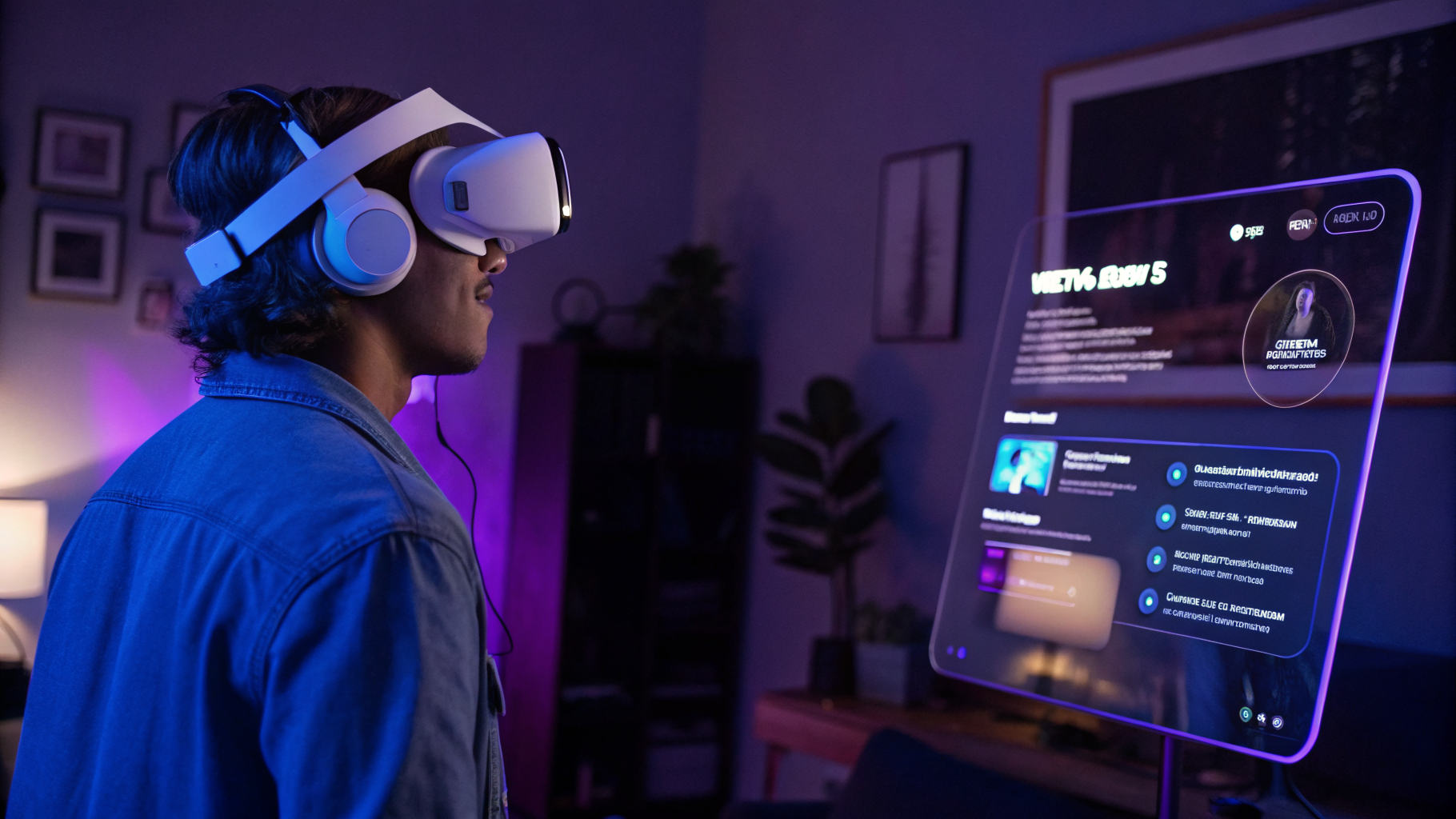
Open the app, and you’re greeted with the usual Discord layout. Servers on the left, channels in the middle, user list on the right. It’s a flat 2D panel floating in your VR space, which you can resize and reposition like any other Quest 2D app. You can pin it to your wrist, stick it on a virtual wall, or just let it hover in front of you. The UI scales reasonably well, though text can get small if you place the window too far away.
Navigation is touch-based, using the Quest controllers. It works, but it’s not snappy. Scrolling through a busy server feels sluggish. Typing a message requires the on-screen keyboard, which is as tedious as you’d expect. Voice chat, however, works surprisingly well. I joined a few channels, and the audio quality was decent—no worse than the desktop app, which is to say it’s fine until someone’s mic picks up a fan or a crying baby.
The big draw here is streaming. You can stream your Quest gameplay directly to a Discord voice channel, letting friends watch your VR antics without needing to own a headset. That’s genuinely cool. But the implementation is shaky. The stream starts at 720p and 30fps, which is acceptable, but the bitrate seems low. I saw blocky artifacts in darker scenes, and the framerate occasionally dipped below 20. Not ideal for a fast-paced game like Beat Saber or Population: One.
Also, you can’t adjust the stream quality. There’s no settings menu for resolution or bitrate. It’s just “stream” or “don’t stream.” In 2024, that feels like a missing limb.
The Nitro Hook: A Month of Freedom
Meta and Discord are sweetening the deal with a free month of Nitro. If you don’t know, Nitro gives you animated emojis, custom stickers, higher upload limits, and a few other perks. It’s a nice gesture, but it’s also a classic bait-and-switch. After 30 days, you either pay up or lose the features. I’ve seen this playbook before. It’s not malicious—it’s just marketing.
What struck me here is that Nitro is essentially irrelevant to the core Quest experience. Animated emojis don’t matter when you’re in VR. Custom stickers don’t help you coordinate a raid. The only genuinely useful Nitro feature for Quest users is the increased file upload limit, which lets you share screenshots and clips directly without compression. But is that worth $9.99 a month? Probably not, unless you’re a power user.
I think Meta and Discord are betting on habit formation. Get people using Discord on Quest, and they’ll stick around even after the trial ends. It’s a reasonable bet, but the app needs to be stable for that to work. Right now, it’s not.
The Rough Edges: Where It Falls Apart
Let’s get specific. I tested the app on a Quest 3 over a weekend, and I kept a log of issues. Here’s what I found:
- App crashed three times during a two-hour session, twice while switching servers.
- Voice chat dropped out for a few seconds at random intervals, even on a strong Wi-Fi 6 connection.
- Streaming to a channel caused the entire headset to stutter, making it hard to play the game I was streaming.
- The keyboard sometimes failed to register inputs, requiring a restart of the app.
- Notifications from Discord would occasionally override the Quest’s system notifications, creating a confusing overlay.
These aren’t dealbreakers for someone who’s patient, but they’re not trivial either. This app is clearly in an early state. It’s version 1.0 in name only. I’d call it a public beta, except that Meta doesn’t do public betas for 2D apps anymore. They just ship and fix later.
And that’s the pattern. Meta has a history of launching half-baked social features on Quest. Remember the original Horizon Worlds? The first version of Messenger on Quest? Both were rough at launch and improved over time. I expect the same trajectory here. The question is how long we’ll wait for the improvements.
Comparing to Alternatives: Sideloading and Web Workarounds
Before this official app, the only way to use Discord on Quest was to sideload the Android APK or use the web version in the browser. Both had their own problems. The APK method required developer mode, a PC, and some patience. The web version lacked voice chat entirely and was clunky for text. So the official app is a step up, even in its current state.
But is it a big enough step up to justify the hype? I’m not so sure. If you’re already comfortable sideloading, you might prefer the APK version, which is often more stable because it’s the same app used on phones. The official Quest version seems to have its own codebase, and it shows. It’s less polished, at least for now.
In my view, the official app is best for new users who don’t want to mess with sideloading. For everyone else, I’d say wait a month or two. Let Meta patch the obvious bugs. The free Nitro isn’t going anywhere.
What This Means for the Metaverse Dream
I can’t help but zoom out a bit. Discord on Quest is another piece of the puzzle that Meta calls the “metaverse.” The idea is that VR headsets will eventually replace your phone for social communication. You’ll chat with friends, coordinate gaming sessions, share content, all without leaving the headset. It’s a compelling vision, but it requires infrastructure that works flawlessly.
Discord is that infrastructure for millions of gamers. If Meta can’t get a simple 2D app right, what does that say about their ability to build a full virtual world? Rhetorical question, sure, but it’s one that keeps me up at night. The metaverse isn’t just about fancy avatars and virtual real estate. It’s about the boring stuff—reliable chat, seamless file sharing, low-latency voice. If those basics are broken, the whole thing falls apart.
I’m not saying Discord on Quest is a failure. Far from it. It’s a necessary step, and I’m glad it exists. But it’s also a reminder that the road to the metaverse is paved with buggy version 1.0s. We’ve been on this road for a decade. I’m used to the potholes by now.
Should You Download It?
If you’re a regular Discord user and you spend a lot of time in VR, yes, download it. It’s free, and the core functionality works. You’ll be able to join voice chats, read messages, and stream your gameplay. Just don’t expect a polished experience. Treat it like a beta. Expect crashes. Expect quirks. And definitely expect to reach for your phone when the keyboard acts up.
If you’re on the fence, wait. The app will improve. Meta has a track record of fixing these things. The question is whether they’ll do it fast enough to keep the early adopters happy. I’ve seen communities abandon platforms over less. Discord itself is a fickle beast—one bad update can send users packing to alternatives like Telegram or Guilded.
I think the smart move is to install it, claim your free Nitro, and then check back in a few weeks. By then, we’ll know if Meta is serious about supporting this app or if it’s destined to become another abandoned project in the Quest app graveyard.
Final Thoughts: A Solid First Draft
Discord on Quest is like a first draft of a novel. The plot is there, the characters are recognizable, but the prose is clunky and the pacing is off. With editing, it could be great. Without it, it’ll gather dust on your headset’s home screen.
I’m rooting for this app. I really am. VR needs strong social tools, and Discord is one of the best in the business. But good intentions don’t excuse a rough launch. Meta and Discord have the resources to make this right. Let’s see if they follow through.
In the meantime, keep your phone nearby. You’re going to need it.
Further Reading
Read the original story at UploadVR: Discord App Now On Quest, With Streaming – But It’s Rough
Original source: read the full article