I’ve been covering VR since before the Oculus Rift DK2 was a twinkle in Palmer Luckey’s eye. I’ve watched the metaverse hype cycle inflate, pop, and inflate again. I’ve sat through countless demos of “revolutionary” social platforms that felt like empty conference rooms with worse lighting. So when I booted up Outside The Lines VR, a coloring app that costs a few bucks and promises nothing more than a quiet place to fill in shapes, I braced for disappointment. This outside lines review relaxing is my honest take on why that initial skepticism melted away within minutes.
Instead, I got something rare: a piece of software that actually understands what it is. This is not a game. It’s not a creative tool in the traditional sense, though you can make some pretty pictures. It’s not trying to be a social hub, a productivity suite, or a portal to some grand persistent universe. It’s a coloring book. That’s it. And in a landscape where every VR app seems to be shouting about its ambition, there’s something quietly radical about simplicity.
The Art of Doing Nothing Much
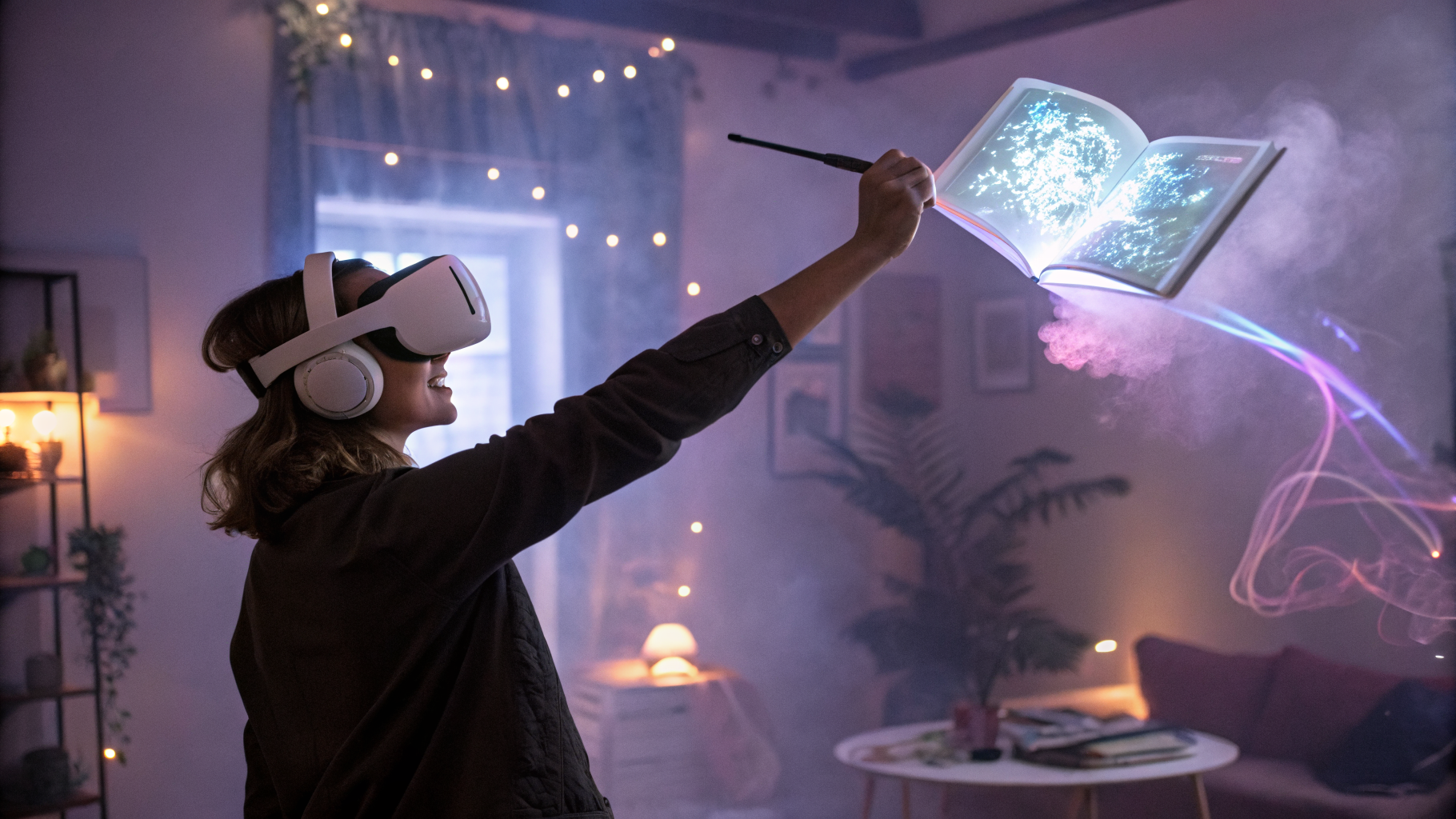
Let’s get the obvious out of the way: Outside The Lines VR is exactly what it sounds like. You pick a picture from a selection of line-art templates, then use a set of virtual markers, pencils, and brushes to color inside (or outside, if you’re feeling rebellious) the lines. You can paint in 3D space, meaning the image is a flat canvas floating in front of you, but you can also rotate it, scale it, and walk around it. The app supports hand tracking and standard controllers. I tested it on Quest 3, and it worked flawlessly with both.
The templates range from the obvious — mandalas, flowers, animals — to slightly more interesting stuff like abstract geometric patterns and a few fantasy scenes. None of it is going to win a design award. The line art is clean but basic. Think less “adult coloring book for sophisticated aesthetes” and more “coloring book you’d find at a dollar store that somehow becomes your favorite.” And you know what? That’s perfectly fine. The magic isn’t in the complexity of the designs; it’s in the act of coloring itself.
Why This Outside Lines Review Relaxing Actually Works
I want to be real with you: I’m not someone who naturally gravitates toward coloring. I have the attention span of a caffeinated squirrel, and my idea of relaxation is usually a fast-paced shooter or getting lost in a dense RPG. But there’s something about the physicality of VR coloring that hooked me. When you use hand tracking, you’re literally pinching virtual markers and dragging them across a canvas. It feels tactile in a way that flat-screen coloring apps never do.
The app’s secret weapon is its lack of pressure. There are no timers, no scores, no “correct” way to color. You can go outside the lines — the name is a literal invitation — and the app doesn’t punish you. You can undo strokes, change colors on the fly, and even mix colors by layering them. I spent a solid 20 minutes just coloring a single petal of a flower, blending blue into purple into pink, and it was the most meditative 20 minutes I’ve had in VR all year. This outside lines review relaxing moment is what the app is built around: giving you permission to just exist and create without judgment.
The audio design deserves a shoutout too. There’s a soft, ambient soundtrack that kicks in when you start coloring — gentle piano chords, distant nature sounds, the occasional bird chirp. It’s not intrusive, but it sets a mood. Combined with the satisfying “swish” sound of a brush stroke and the subtle vibration of the controllers, the whole experience feels like a sensory hug.
What You Actually Do (And Don’t Do)
Let me break down the core loop, because it’s almost absurdly simple:
- Pick a template: There are about 30 to start, with a few more available as free updates. Not a huge library, but enough to keep you busy for several sessions.
- Choose your tool: You get markers (solid, bold lines), pencils (softer, blendable), and brushes (for broad strokes). Each has a few size options.
- Select colors: A basic palette is there, but you can also mix custom colors by grabbing two and swirling them together. It’s surprisingly intuitive.
- Color: That’s it. You just color. You can zoom in, rotate the canvas, or even step back and view your work from a distance.
- Save or export: You can save your progress mid-session or export the final image as a PNG to share with friends (or post on social media, if that’s your thing).
What you don’t do: There’s no multiplayer, no leaderboards, no DLC store begging you to buy more templates. There’s no story mode, no achievements, no daily challenges. The app doesn’t track your “productivity” or gamify your relaxation. It’s a coloring book. That’s it. And honestly, that restraint is what makes it work. In a world where every app is trying to be a platform, Outside The Lines VR is refreshingly content to just be a tool.
The Verdict: Who Is This For?
I think the real question isn’t whether Outside The Lines VR is good — it is, for what it is — but whether it’s for you. Let me give you a few scenarios where this app shines:
- You’re stressed and need a 15-minute escape. Pop this on after work, pick a mandala, and just zone out. It’s cheaper than therapy and quieter than your neighbor’s barking dog.
- You want to introduce someone to VR gently. This is a perfect “first VR experience” for non-gamers. No motion sickness, no complex controls, just pure, simple fun.
- You’re a parent looking for a calm activity for kids. The hand tracking means no controllers to lose, and the creative freedom keeps little ones engaged without overstimulation.
- You’re a creative type who wants a low-stakes warm-up. Sometimes you just want to make something pretty without the pressure of a blank canvas.
On the flip side, if you’re looking for a deep artistic tool with layers, filters, and export options, this isn’t it. If you want a social experience where you can color with friends, look elsewhere. And if you’re expecting hundreds of templates out of the box, you might feel the library is a bit thin. But for a few bucks, you’re getting a polished, focused experience that delivers exactly what it promises.
Final Thoughts: Sometimes Less Is More
I’ve spent years writing about the metaverse, and I’ve seen countless apps try to be everything to everyone. They fail because they forget that sometimes, people just want to sit down and color. Outside The Lines VR remembers that. It doesn’t try to reinvent the wheel or sell you a vision of a digital utopia. It just gives you a quiet space, a simple tool, and the freedom to make something — or nothing at all.
This outside lines review relaxing experience reminded me why I fell in love with VR in the first place. It’s not about the flashy graphics or the endless possibilities. It’s about presence. It’s about feeling like you’re somewhere else, doing something calming, without the noise of the real world creeping in. If that sounds good to you, grab a headset, pick up a virtual marker, and just color. You might be surprised how much you needed it.