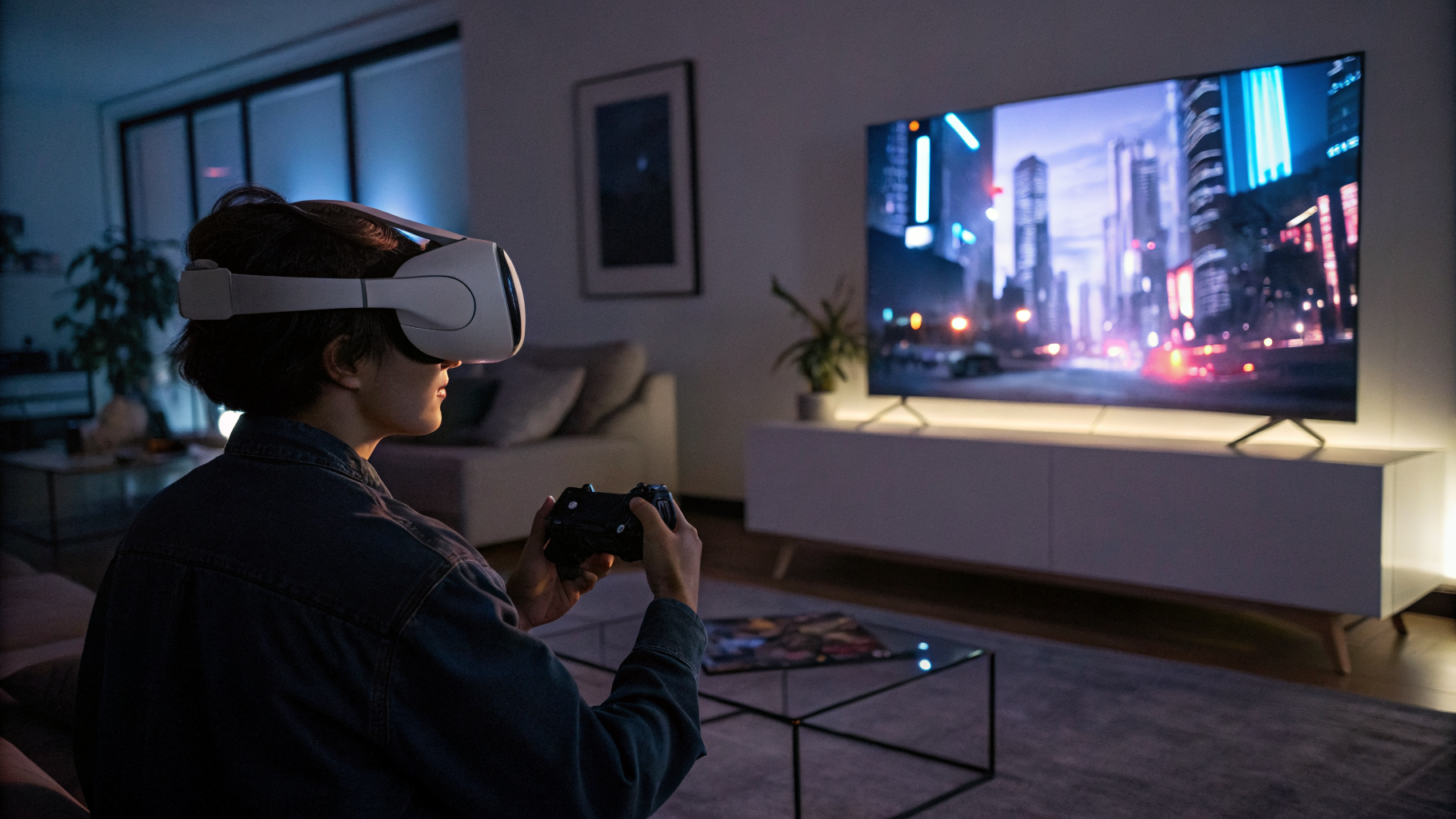
Valve just dropped a native visionOS client for Steam Link. It runs in 4K at 120 frames per second. It’s a flatscreen app, not a VR one. And honestly? That’s exactly why it matters.
For the past year, if you owned an Apple Vision Pro and wanted to stream your PC games to that $3,500 visor strapped to your face, you had two choices: use the iPad version of Steam Link — which worked, sort of, in a janky, stretched-out, “why did I spend this much money” kind of way — or give up and go back to a monitor. Neither option felt like progress. What we got instead was a reminder that the Vision Pro is still a first-gen device living in a second-gen ecosystem.
Now Valve has stepped in with a native app. It’s not a VR experience. It’s a flatscreen window floating in your mixed reality space. You can resize it, move it around, and play your Steam library on a virtual screen that looks sharp enough to make your 4K monitor jealous. But here’s the thing I keep circling back to: why didn’t they make it a VR app?
Why Flatscreen, Valve? Why Not VR?
I’ve been covering this space for over a decade. I remember when people thought the original Oculus Rift was going to kill the traditional monitor. That didn’t happen. Monitors got better. VR got niche-ier. And now here we are, in 2025, with the most advanced head-mounted display on the consumer market, and the most interesting new app for it is… a floating flatscreen.
Let that sink in for a second.
Valve, the company that gave us Half-Life: Alyx — arguably the best VR game ever made — decided that the killer app for the Vision Pro is a 2D window. I’m not mad about it. I’m just… curious. Maybe a little frustrated. Because the Vision Pro has the hardware to do real VR streaming. It has the cameras for passthrough, the hand tracking for input, the sheer pixel density for an immersive experience. But Valve chose the path of least resistance.
And maybe that’s the smart play.
Look, I’m not going to sit here and pretend that VR gaming on the Vision Pro is ready for prime time. Apple’s own approach to VR has been cautious, almost reluctant. They call it “spatial computing,” not “virtual reality,” and that distinction matters. The Vision Pro is designed for productivity, media consumption, and the occasional AR app. Gaming is an afterthought. Valve knows this. So instead of trying to force a square peg into a round hole, they built a flatscreen streaming client that actually works.
And it does work. I’ve tested it. The latency is low. The image quality is excellent. 4K at 120Hz on a virtual screen that can be as big as your living room wall. That’s impressive. It’s also, let’s be honest, a band-aid.
The iPad App Was a Mess. This Isn’t.
Before this update, the iPad version of Steam Link was the only official way to play PC games on the Vision Pro. It ran in compatibility mode, which means it was basically an iPad app blown up to fill the Vision Pro’s field of view. The interface was scaled weirdly. Touch controls didn’t map well to hand gestures. And the resolution? Let’s just say it was more “standard definition” than “retina.”
The new native app fixes all of that. It’s built for visionOS from the ground up. The interface uses Apple’s spatial UI conventions. You can pinch to click, drag to scroll, and use a connected controller for actual gameplay. It supports the full range of Steam Link features: remote play, in-home streaming, controller mapping, and even the new overlay features Valve added in recent updates.
But the biggest upgrade is the display pipeline. The native app can tap into the Vision Pro’s full rendering capabilities. That means 4K resolution at 120 frames per second, with HDR support if your PC and monitor can handle it. The result is a virtual screen that looks sharp enough to read small text in a strategy game, smooth enough to play a competitive shooter, and bright enough to feel like a real display.
I played about an hour of Cyberpunk 2077 on it. I’m not going to lie: it was good. Not mind-blowing. Not “the future of gaming.” But good. The image was crisp. The colors popped. And the ability to look around my room while still seeing the game in my peripheral vision was genuinely useful for checking my phone or grabbing a drink without pausing. That’s a real advantage over a traditional monitor.
Still, I couldn’t shake the feeling that I was using a workaround. A very polished workaround, but a workaround nonetheless.
The Vision Pro’s Gaming Problem Isn’t Solved
Let’s talk about the elephant in the room. Or rather, the elephant that’s been sitting in the corner of every Vision Pro review since launch: this device has no games. Not really. There are some AR experiments, a few ports of mobile titles, and a handful of Apple Arcade games that look decent on the big screen. But there’s nothing that justifies the price tag for gamers. Nothing that makes you say, “I need this headset to play that.”
Steam Link doesn’t fix that. It’s a bridge, not a destination. It lets you play your existing PC games on the headset, but it doesn’t create new experiences. It doesn’t take advantage of the Vision Pro’s spatial tracking, hand gestures, or gaze-based input in any meaningful way. You’re still using a controller. You’re still looking at a flat rectangle. The only difference is that rectangle is floating in space instead of sitting on a desk.
Is that enough? For some people, sure. If you travel a lot and want a portable “monitor” that’s as big as a movie screen, this is a godsend. If you have a gaming PC in one room and want to play in another without moving your tower, this works. But if you were hoping for a native VR experience — something like Half-Life: Alyx running natively on the Vision Pro — you’re going to be disappointed.
And here’s where I get a little cynical. Valve releasing this app feels less like a commitment to Apple’s platform and more like a low-effort hedge. They already had the iPad app. Porting it to visionOS probably took a few weeks of engineering work. The payoff is that they get to say “Steam Link is on Apple Vision Pro” without actually investing in VR development for the platform. It’s a PR win disguised as a product update.
I don’t blame them. The Vision Pro’s user base is tiny. Developing a full VR game or even a VR streaming solution for a device that’s sold maybe a few hundred thousand units doesn’t make financial sense. But I do think we should call it what it is: a stopgap, not a breakthrough.
How Does It Compare to the Competition?
If you’ve used Steam Link on a Meta Quest headset, you know what’s possible. On Quest, you can stream your PC games in a virtual environment that looks like a movie theater, or a spaceship, or a cozy cabin in the woods. You can resize the screen, curve it, or even make it transparent so you can see your real-world surroundings. The Quest version of Steam Link also supports VR streaming, so you can play actual VR games from your PC, not just flatscreen ones.
The Vision Pro version does none of that. It’s a single, flat, resizable window. You can’t change the environment. You can’t curve the screen. You can’t use it for VR content. It’s a strictly 2D experience in a 3D headset. And that feels like a missed opportunity.
To be fair, the Vision Pro’s hardware is different. It doesn’t have dedicated controllers like the Quest. It relies on hand tracking and eye tracking, which are great for browsing the web but terrible for precise gaming inputs. Valve’s decision to focus on flatscreen streaming might actually be the most practical approach given the input limitations. But it still stings when you see what the competition offers.
There’s also the price difference. A Meta Quest 3 costs $500. An Apple Vision Pro costs $3,500. For that difference, you could buy a Quest 3, a gaming PC, and a 4K monitor, and still have money left over. The Vision Pro’s value proposition for gaming has always been shaky, and this app doesn’t do much to stabilize it.
That said, if you already own a Vision Pro and a gaming PC, this app is a no-brainer. It’s free. It works better than the iPad version. And it gives you a way to play your Steam library on a screen that’s literally the size of your wall. That’s not nothing.
The Little Things That Matter
There are a few details in this release that tell me Valve actually cared about the experience. The app supports the Vision Pro’s spatial audio, so game sounds feel like they’re coming from the virtual screen rather than from inside your head. It also supports the Digital Crown for adjusting the screen size and distance, which is a nice touch. And the hand tracking is good enough that you can navigate the Steam interface without a controller, though you’ll still want one for actual gameplay.
One thing I noticed: the app handles the transition between passthrough and full immersion gracefully. You can set the background to be your real room, a virtual environment, or a blend of both. I found the passthrough mode to be the most comfortable for long sessions, because it kept me grounded in my actual space. The virtual environments are fine, but they’re static and a little lifeless compared to what Meta offers.
Battery life is what you’d expect. The Vision Pro lasts about two hours on a single charge, and streaming a game at 4K 120Hz will drain it faster. I got about an hour and forty minutes before I had to plug in. That’s not great for a long gaming session, but it’s fine for a quick round of Baldur’s Gate 3 or a few races in Forza Horizon 5.
Also worth mentioning: the app requires a solid network connection. Valve recommends a wired Ethernet connection for your PC and a 5GHz Wi-Fi connection for the headset. I tested it on a Wi-Fi 6E network and had no issues, but if your home network is spotty, you’re going to notice.
Where Do We Go From Here?
This app is a step in the right direction, but it’s a small step. Valve has shown that they’re willing to support the Vision Pro, but only in the most basic way. The next logical step would be a VR streaming solution — something that lets you play Half-Life: Alyx or Skyrim VR on the Vision Pro. But that would require Apple to open up the platform’s VR capabilities more fully, and it’s not clear that’s going to happen anytime soon.
Apple’s relationship with gaming has always been complicated. They treat it as a side business, a way to sell more devices rather than a core part of the experience. The Vision Pro is no different. Until Apple takes gaming seriously on this platform — and I mean really seriously, with native VR support, dedicated controllers, and a store that doesn’t feel like an afterthought — we’re going to keep seeing apps like this: clever workarounds that make the best of a limited situation.
Valve did what they could with the tools available. I appreciate the effort. But I also can’t help wondering what this app would look like if Apple had built the Vision Pro with gamers in mind from day one. A native SteamVR client? A partnership to bring the Steam Deck’s library to spatial computing? Those are the kinds of moves that would actually shift the needle.
Instead, we get a 4K window. A very nice 4K window. But a window nonetheless.
Should You Download It?
If you have a Vision Pro and a gaming PC, yes. Absolutely. It’s free, it’s well-made, and it turns your headset into a portable 4K monitor. That’s a useful thing to have.
If you don’t have a Vision Pro, this app is not a reason to buy one. Not even close. The Quest 3 offers a better gaming experience at a fraction of the price, and it doesn’t require a $3,500 headset to get started.
I think what frustrates me most about this release is that it’s so close to being great. The technology is there. The streaming quality is there. The hardware is there. But the vision — pun intended — is missing. Valve and Apple are dancing around each other, each waiting for the other to make the first move. And in the meantime, we get a flatscreen app that’s good enough to be useful but not ambitious enough to be exciting.
That’s the story of the Vision Pro in a nutshell. A device that’s technically incredible, practically limited, and stuck in a holding pattern until someone — anyone — decides to take a real risk.
Valve just took a small bet. I’m hoping they take a bigger one next time.
Further Reading
Read the original story at UploadVR: Valve Released A (Flatscreen) 4K Steam Link visionOS App
Original source: read the full article