
Introduction
The next great leap in personal computing won’t happen on a flat screen; it will unfold in the space all around us. Meta’s recent unveiling of its future direction points squarely at this spatial frontier, with a powerful new trifecta at its core: the Horizon OS, Navigator UI, and an evolved MR UX. This isn’t just another software update. It’s the blueprint for how we will interact with digital content in a world where the virtual and physical are seamlessly intertwined, moving beyond siloed apps and into a truly persistent, mixed-reality experience.
Background and Evolution
The journey to this point has been a steady, iterative climb. Early virtual reality interfaces, like the original Oculus Home, were revolutionary for their time but largely existed as floating menus in a digital void. They were portals *to* virtual worlds, not integrated parts *of* our own. As hardware advanced, particularly with the introduction of passthrough technology in devices like the Meta Quest Pro and Quest 3, the focus began to shift from pure VR to mixed reality (MR).
This evolution demanded a fundamental rethinking of user interaction. No longer was the user a disembodied presence in a computer-generated environment. Now, they were a physical person in a real room, needing to interact with digital objects as if they were real. This challenge has been at the heart of spatial computing development for years, as pioneers grappled with making these new interfaces intuitive instead of cumbersome. The goal, as many in the field have noted, is to reduce cognitive load and make technology disappear into the background. The new Horizon OS represents Meta’s most ambitious attempt to solve this puzzle, building on years of data and user feedback to create a cohesive operating system for this new paradigm.
Practical Applications and the Future of MR UX
The true test of any new operating system is its practical application. How will the combination of Horizon OS, Navigator UI, and a refined MR UX change how we work, play, and connect? The potential is vast, moving far beyond current VR use cases.
Use Case 1: The Reinvented Workspace
Imagine sitting at your physical desk, wearing a lightweight headset. With a simple gesture, you pull up the Navigator UI. Instead of being confined to a single laptop screen, you now have multiple virtual monitors floating in the air around you, which you can resize and position at will. You can pin a web browser to the wall on your left, a collaborative document in front of you, and a direct line to your team on your right. A 3D model of a new product design can be placed on your actual desk, allowing you and a remote colleague to manipulate and annotate it together in real-time. This level of spatial productivity is a core goal of the new MR UX.
Use Case 2: Immersive Entertainment and Socializing
Entertainment will become a shared, layered experience. You and your friends, some physically present and others as realistic avatars, could watch a movie on a colossal virtual screen that appears to hang on your living room wall. During the movie, contextual information or social feeds could appear subtly in your periphery. For gaming, the possibilities are even more transformative. Your room could become the level, with virtual enemies bursting through your actual walls or puzzles that require you to interact with physical objects in your space. The Navigator UI would serve as an unobtrusive hub for launching these experiences and managing social connections.
Use Case 3: Education and Skill Development
The impact on learning could be profound. A medical student could dissect a photorealistic virtual heart on their kitchen table, peeling back layers and viewing complex systems from any angle. An apprentice mechanic could learn to assemble an engine by following holographic instructions overlaid on the real-world parts. The intuitive nature of the MR UX—driven by hand tracking, eye tracking, and voice commands—makes this hands-on learning accessible and highly effective. The Horizon OS will provide the stable, developer-friendly foundation needed to build this new generation of educational applications.
Challenges and Ethical Considerations
With great power comes significant responsibility. An operating system that can see and understand your personal environment raises critical ethical questions. Privacy is paramount; how will Meta and third-party developers handle the vast amounts of data collected, from the layout of your home to your patterns of gaze? There are also concerns about AI bias being baked into the Navigator UI, potentially influencing what users see or how they interact with information.
Furthermore, the line between digital overlay and reality can be blurred, creating avenues for misinformation or harmful content. Establishing robust safety protocols and content moderation will be a monumental task. Regulators are already playing catch-up, and the rapid advancement of the Horizon OS ecosystem will only accelerate the need for clear guidelines to protect users and ensure a safe, equitable digital space.
What’s Next?
The road ahead is being paved in real-time. In the short-term (1-2 years), we can expect developers to begin releasing innovative apps that take full advantage of the improved Presence Platform and the principles of the new MR UX. These will likely be early, experimental, but exciting glimpses of what’s possible. Companies like Apple, with its visionOS, will provide fierce competition, pushing the entire industry to innovate faster.
In the mid-term (3-5 years), headsets will become lighter, more comfortable, and more powerful. We’ll see proprietary apps built from the ground up for Horizon OS, creating a robust ecosystem that could begin to challenge mobile app stores. Startups specializing in spatial design tools and MR enterprise solutions will flourish.
Looking long-term (5-10+ years), the goal remains the sleek, all-day wearable AR glasses. The interface concepts being tested in the Navigator UI today are the foundational grammar for that future, where interacting with a spatial operating system feels as natural and unconscious as glancing at a watch.
How to Get Involved
The future of spatial computing is being built by a community of creators, developers, and enthusiasts. If you’re excited by these advancements, there are numerous ways to get involved. You can join communities like the Meta Quest Developer forums or dive into discussions on Reddit’s r/virtualreality and r/spatialcomputing subreddits. For creators, platforms like ShapesXR offer a way to start designing and prototyping in 3D today. For more deep dives into the evolving digital frontier, explore the resources on our metaverse and virtual world hub.
Debunking Myths
As with any emerging technology, misinformation is common. Let’s clear up a few things:
- Myth: It’s just for gaming. While gaming is a major driver, the core focus of Horizon OS is to be a general-purpose computing platform for productivity, social connection, education, and creativity.
- Myth: It’s a finished product. What we are seeing is the beginning of a long journey. The OS and UI will evolve significantly based on developer and user feedback. It is a living platform, not a static release.
- Myth: MR will completely replace phones. Not anytime soon. MR will coexist with our current devices, serving as a new, powerful tool for tasks where spatial context is beneficial. It’s an expansion of our digital toolkit, not a total replacement.
Top Tools & Resources
- Meta Presence Platform: This is the suite of APIs and services that allows developers to build mixed reality experiences. Tools like Passthrough, Scene Understanding, and Spatial Anchors are what bring the MR UX to life by enabling apps to interact with the user’s physical world.
- ShapesXR: An essential collaborative tool for UI/UX designers and product teams. It allows for rapid prototyping and storyboarding of spatial apps directly in VR/MR, making it perfect for ideating on new flows for interfaces like the Navigator.
- Unity Engine: Alongside Unreal Engine, Unity is one of the two primary real-time 3D development platforms used to build the vast majority of VR and MR applications. Mastering it is fundamental for anyone looking to create content for Horizon OS.
Conclusion
Meta’s strategic focus on the trio of Horizon OS, the Navigator UI, and a human-centric MR UX is a clear declaration of its long-term vision. This is more than a software refresh; it’s the laying of a foundation for the next era of interaction. By moving away from siloed applications and toward an integrated, persistent spatial interface, Meta is betting that the future of computing is not in our pockets, but all around us. The success of this ambitious project will ultimately depend on its ability to create an experience that is not just powerful, but also intuitive, ethical, and truly useful in our daily lives.
🔗 Discover more futuristic insights on our Pinterest!
FAQ
What is Horizon OS?
Horizon OS is Meta’s new operating system designed specifically for its mixed reality devices, including the Quest line of headsets. Think of it as the “Windows” or “iOS” for spatial computing, providing the underlying framework for all applications and user interactions in a mixed reality environment.
How is the Navigator UI different from the old Quest menu?
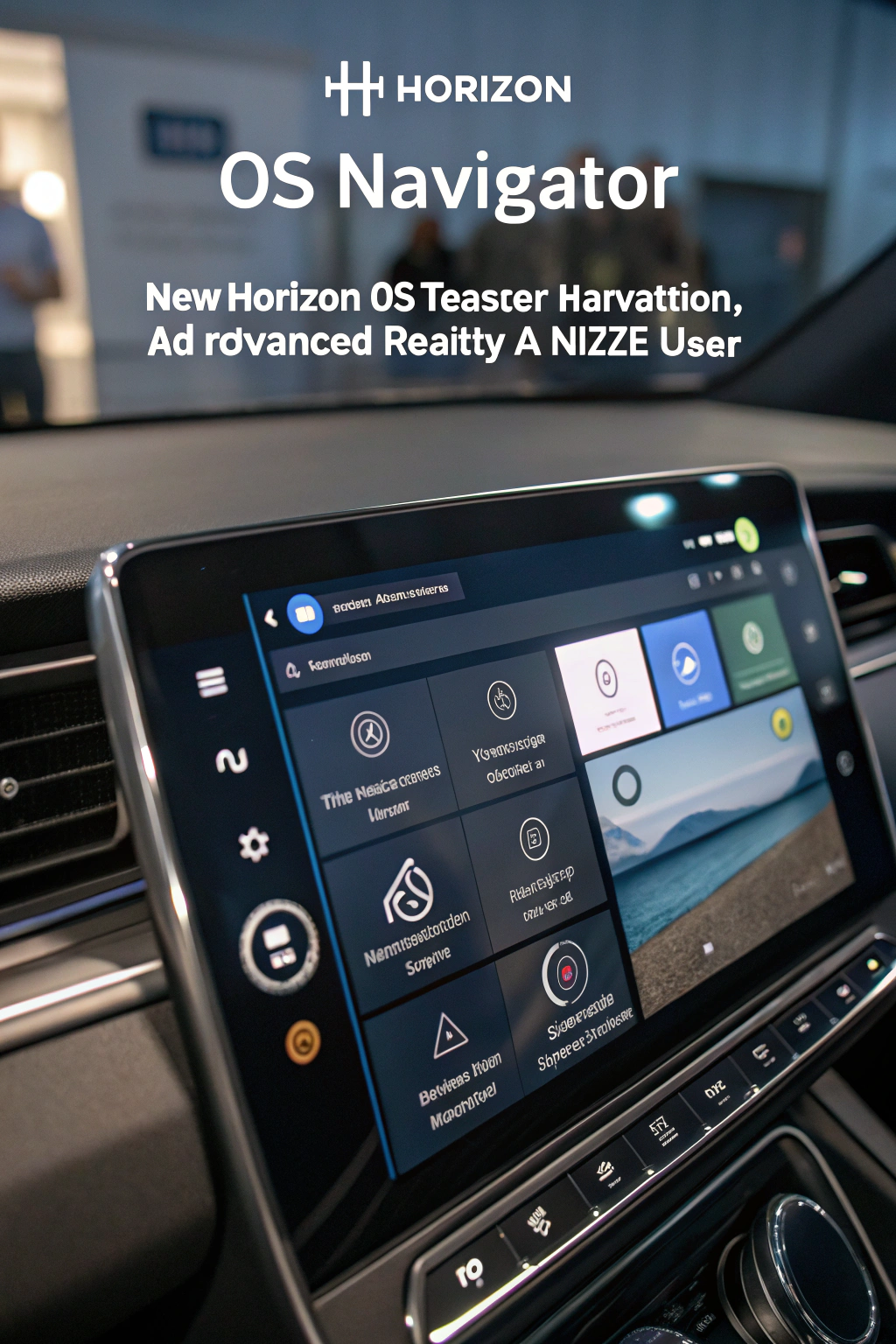
The old Quest menu was a static, floating panel. The new Navigator UI is designed to be more contextual and integrated with your physical space. It aims to be a fluid, intelligent interface that can be anchored to surfaces or appear contextually based on your actions, creating a more seamless and intuitive MR UX that blends virtual elements with your real world.
Is MR UX the same as VR UX?
They are related but distinct. VR UX (Virtual Reality User Experience) focuses on user interaction within a fully digital environment. MR UX (Mixed Reality User Experience) is more complex, as it must manage the interplay between digital content and the user’s real-world physical space. This includes challenges like object occlusion, environmental awareness, and ensuring user safety as they move around.